How it works — ReShot
How it works

Three steps.
Ready in minutes.

Shoot it on your phone. Upload. Download and list. That's it.

The process

Simple by design.

No instructions to write. No settings to adjust. The AI detects what every photo needs and applies it automatically.

Step 01
📲

Shoot it on your phone at the valuation

Then drop the photos straight in, however they came out. Dark rooms, grey skies, leaning walls. No tripod, no second visit, no preparation.

JPEG · PNG · HEIC Up to 20MB Bulk on Agency plan
Step 02
⚡

AI fixes everything

Perspective corrected. Sky replaced. Exposure lifted. Colour balanced. Sharpened. All automatic — no human editor, no instructions, no waiting.

Angle correction Sky replacement Sharpen
Step 03
📥

Download and list

Your enhanced photos land in your inbox within a few minutes. Ready for Rightmove, Zoopla, brochures, or social media. Full commercial licence included.

Email delivery Rightmove-ready Full licence
Real results

What actually changes.

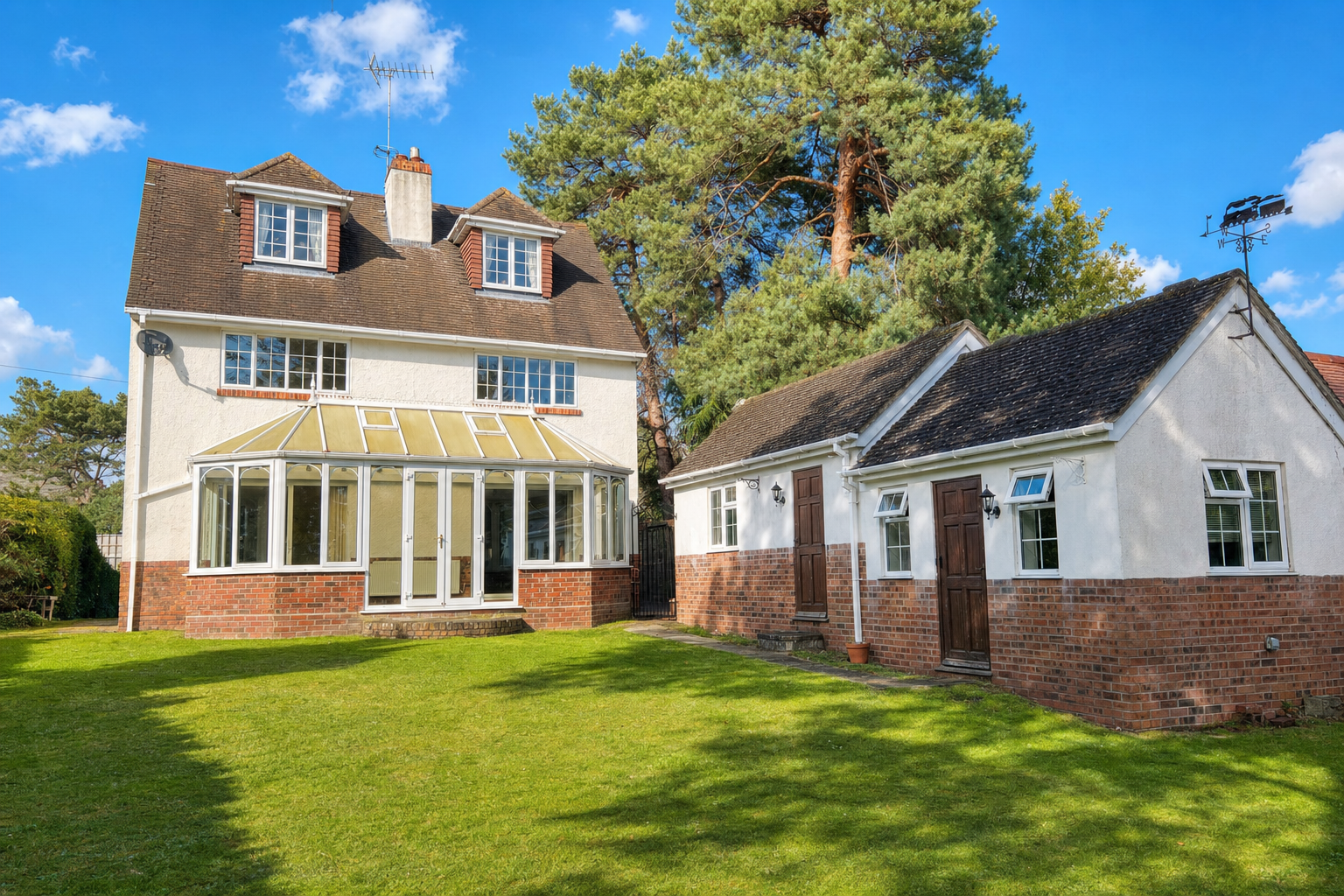
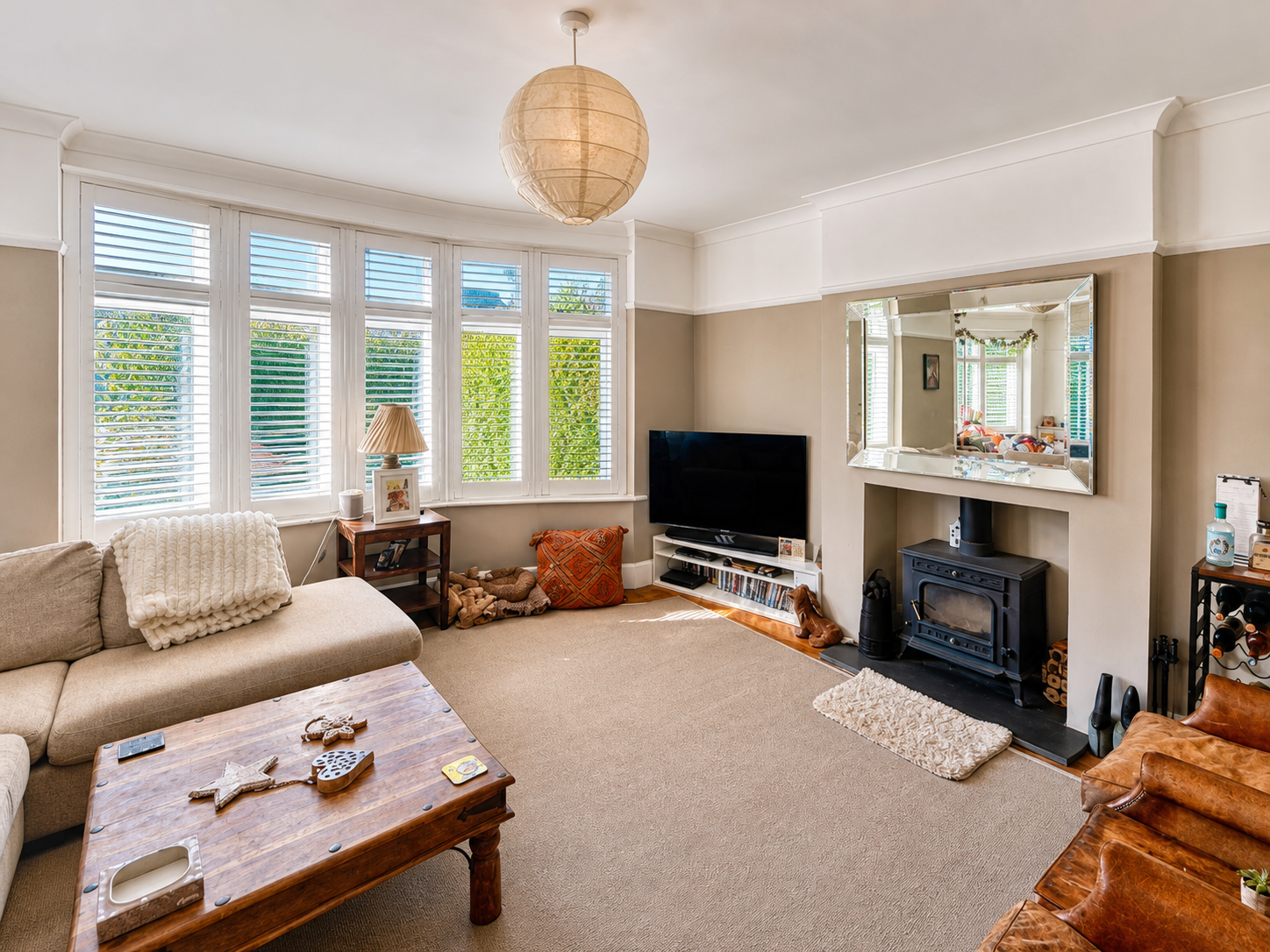
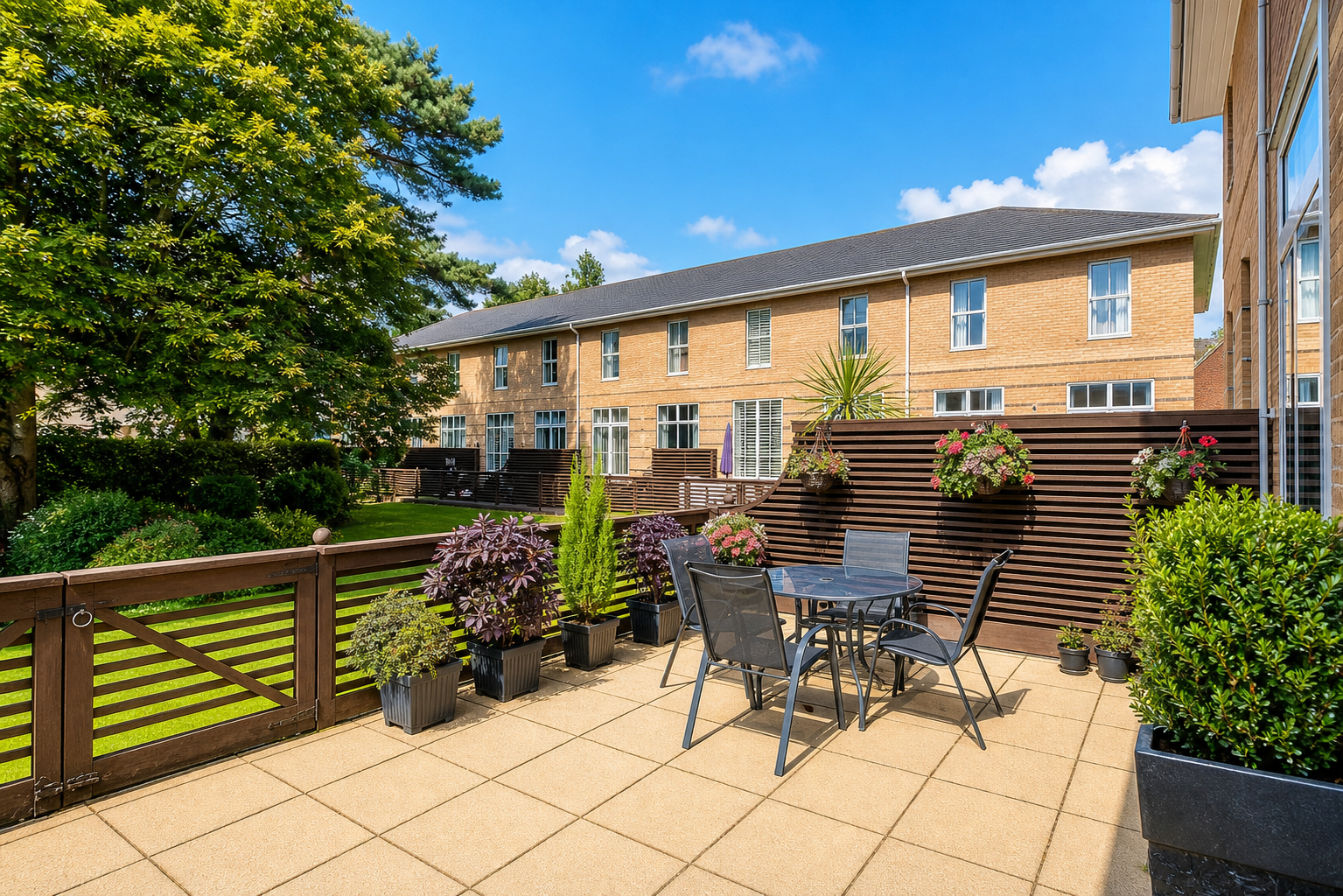
Original phone shots on the left. ReShot output on the right. No additional retouching.

📱 Original
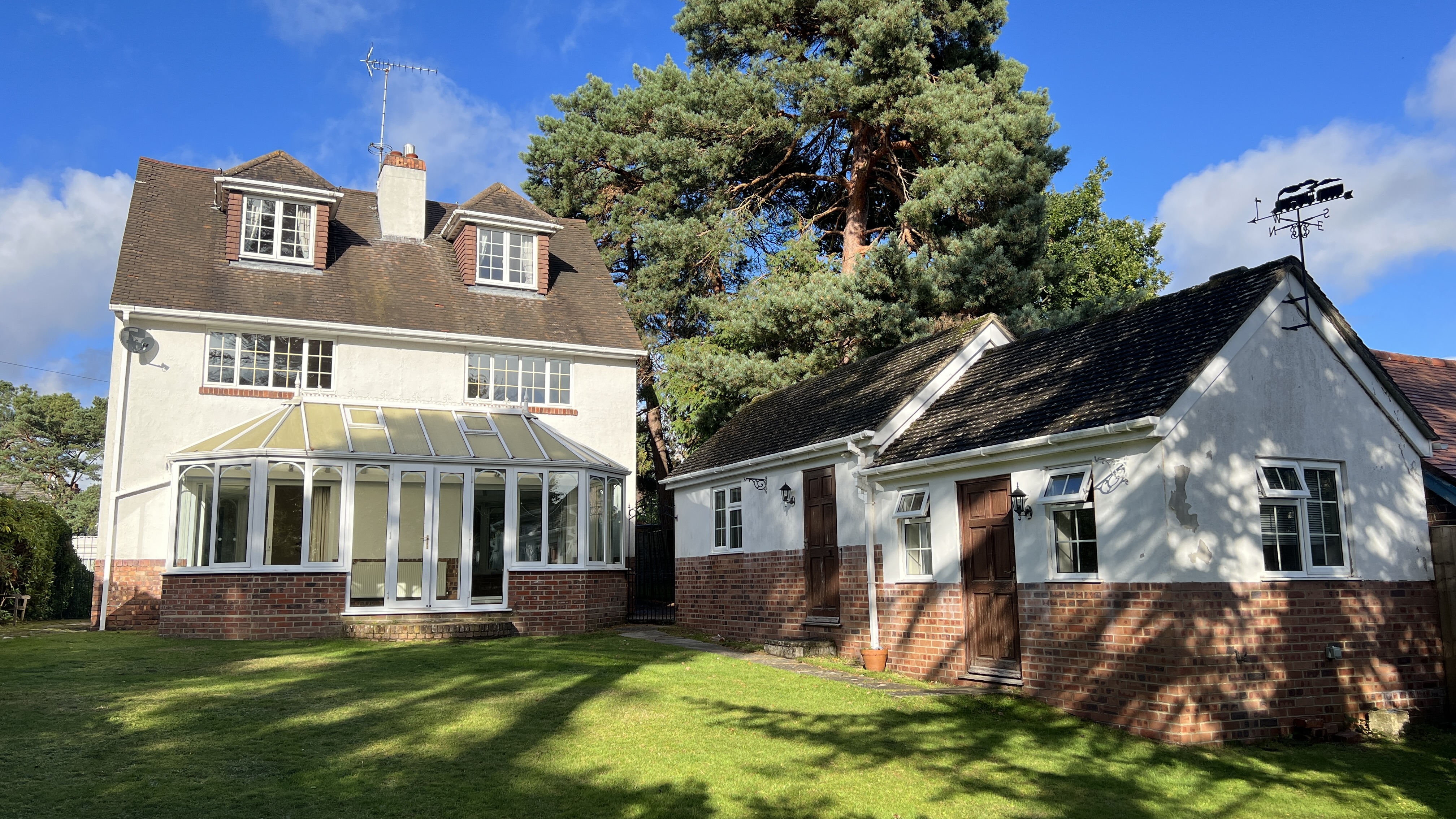
Property exterior before ReShot
Phone shot, flat light
✨ ReShot
Property exterior after ReShot
Sky enhanced, detail sharpened Sky + detail
📱 Original
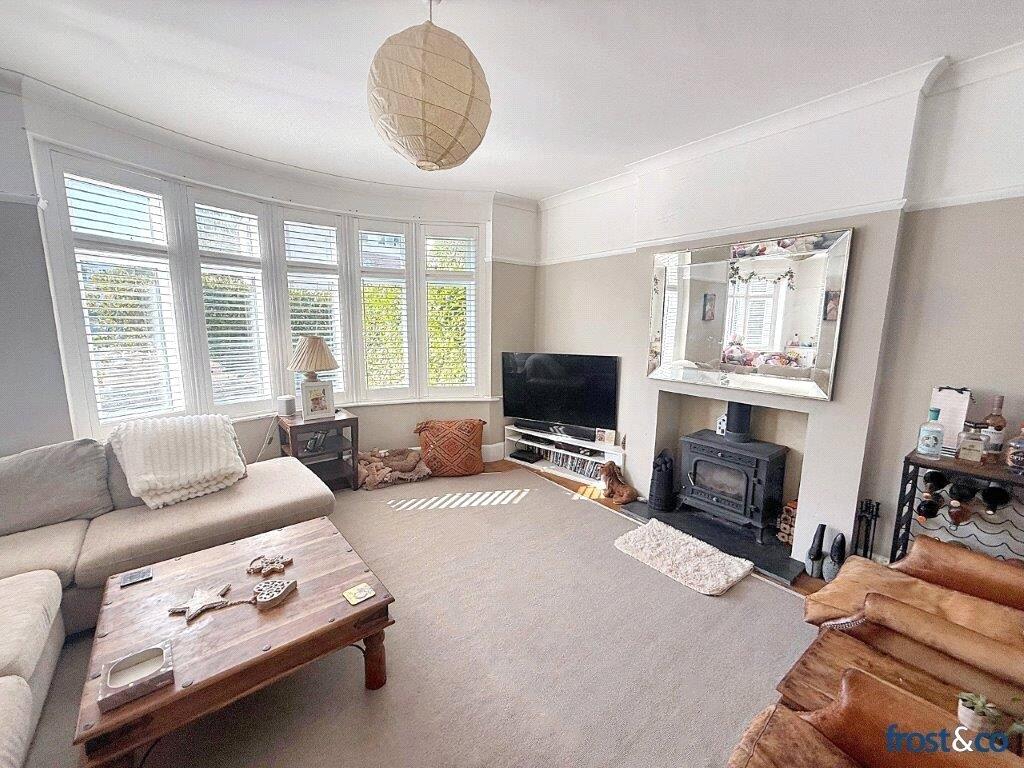
Living room before ReShot
Phone shot, flat light
✨ ReShot
Living room after ReShot
Exposure lifted, colours balanced Light + colour
📱 Original
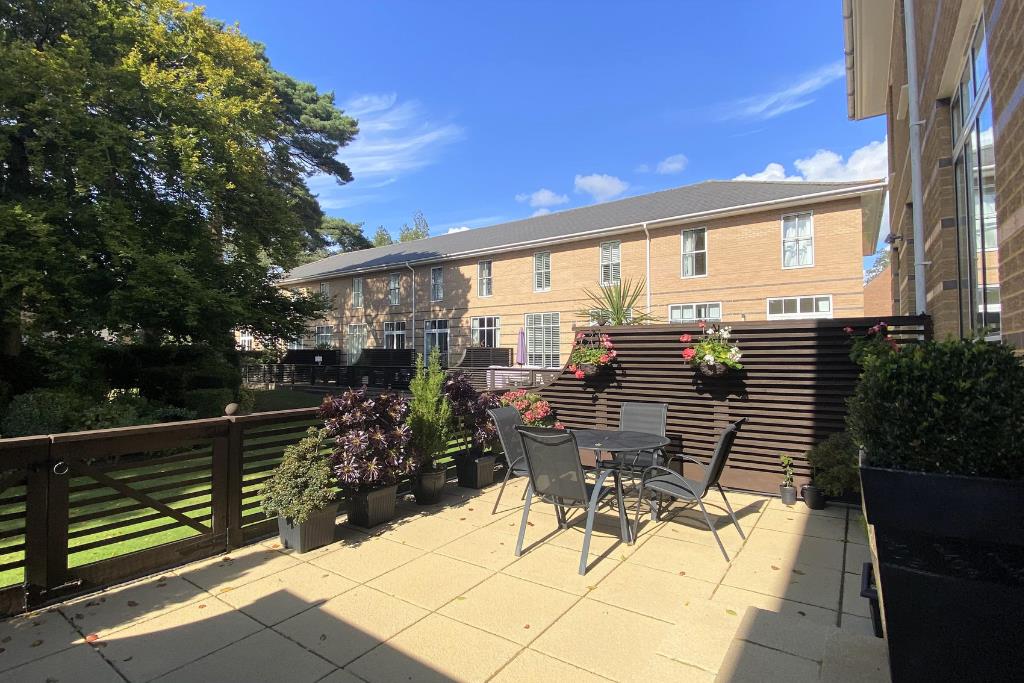
Patio before ReShot
Dull sky, flat tones
✨ ReShot
Patio after ReShot
Vivid sky, vibrant planting Sky + vibrancy
Under the hood

Most photos are ready in 2–5 minutes.

Here's exactly what the AI does between receiving your photo and sending it back.

0 – 10 sec
🔍

Photo analysed

The AI scans the image — detecting sky, perspective issues, exposure level, colour temperature, and resolution.

10 – 40 sec
📐

Perspective corrected

Converging verticals straightened. Barrel distortion from wide-angle phone lenses removed. The shot levels out.

40 – 60 sec
☁️

Sky replaced

If an exterior sky is detected, it's swapped for a natural blue sky, blended cleanly along the roofline.

60 sec – 1.5 min
☀️

Exposure & colour fixed

Brightness, contrast, white balance, and colour saturation all corrected for a natural, inviting result.

1.5 – 2 min
🖼️

Sharpened and finished

The image is sharpened and output at portal-ready resolution — crisp on any screen size.

2–5 min total
📧

In your inbox

Download link sent the moment it's ready. Click, save, list.

See it work on your own photos.

First photo is free — no card required.

Enhance your first photo free →
JPEG PNG HEIC Up to 20MB Results in 2–5 min

Ready to see it work on your photos?

First photo is free. No card required.

Enhance your first photo free →