AI photo enhancement is now used by hundreds of UK estate agents to improve listing photos before they go live. But there's a lot of confusion — and some exaggerated claims — about what it can and can't do. This is an honest explanation.
What AI enhancement actually does
Modern AI enhancement tools for property photography do several distinct things, often in a single automated step:
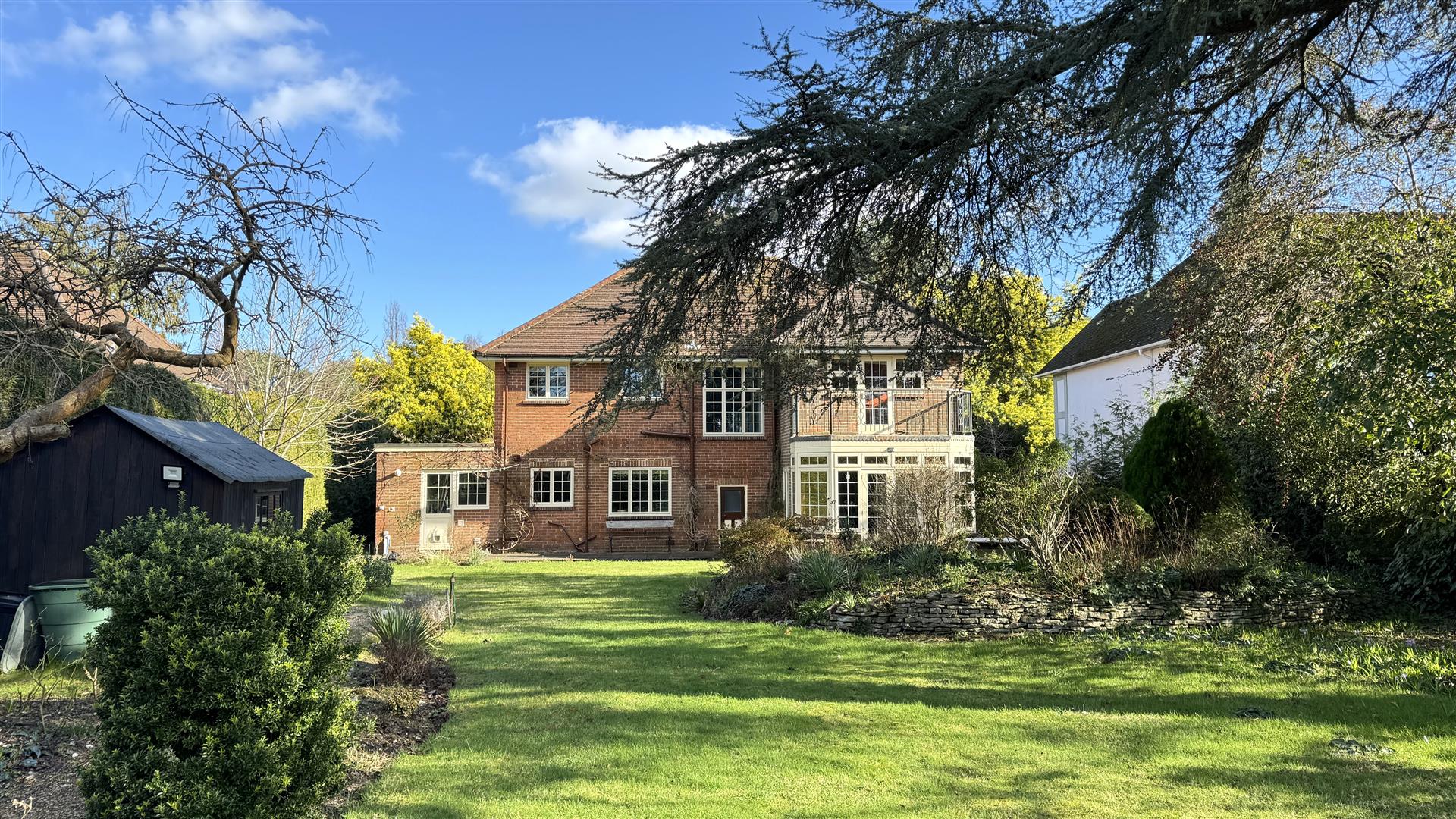
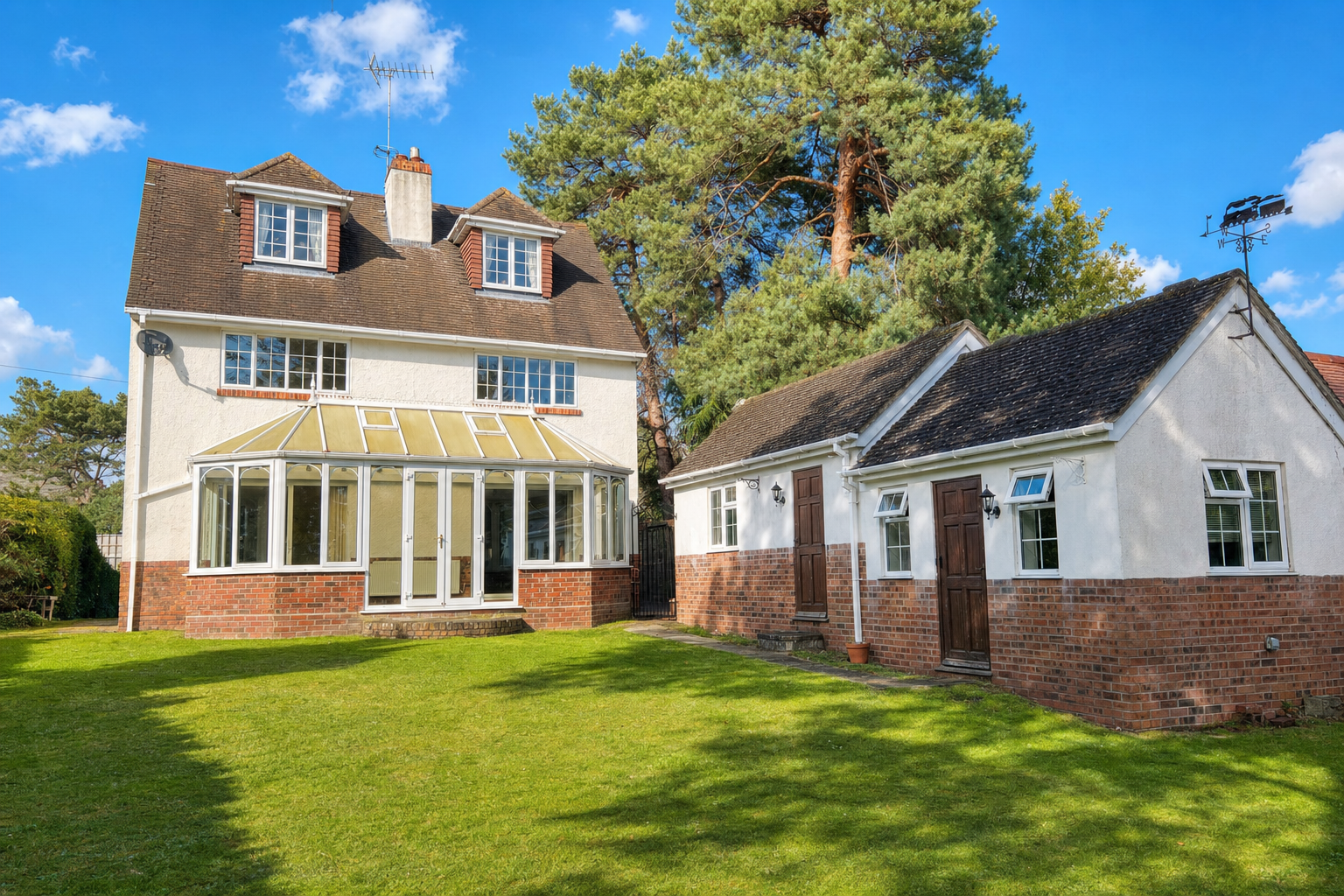
Sky replacement
The AI identifies the sky region of exterior photos and replaces it with a natural-looking sky — typically a bright blue with appropriate cloud texture. The tool matches the lighting direction so the replacement looks consistent with the rest of the scene. This is probably the single highest-impact change in most listings.
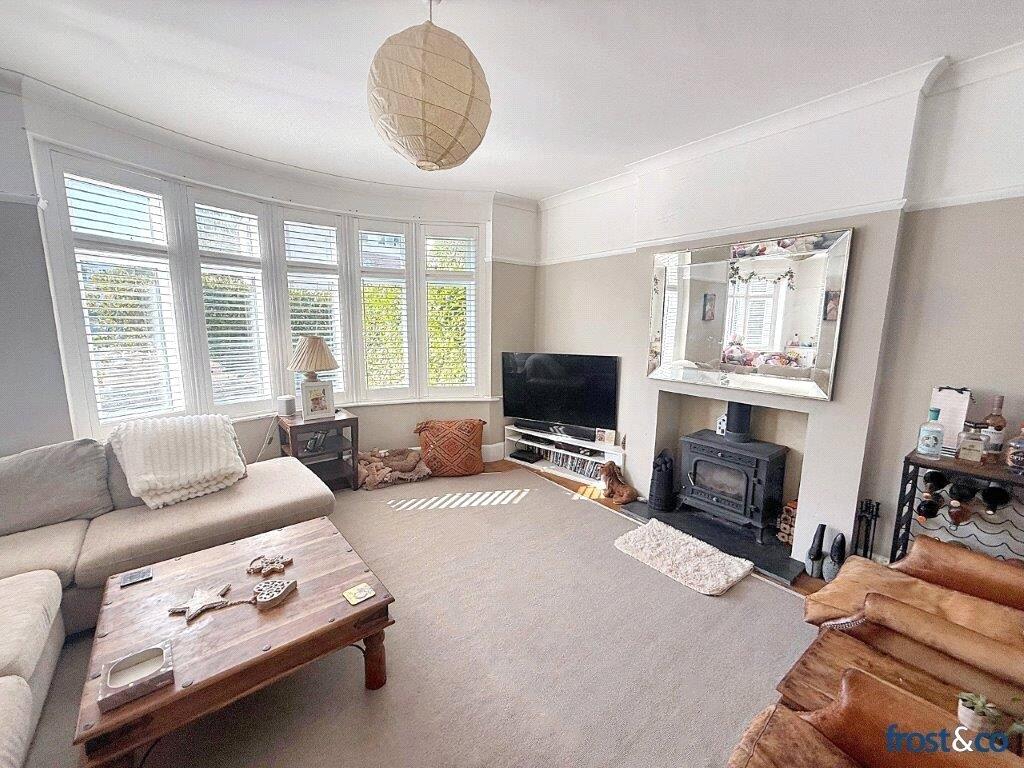
Exposure and brightness correction
Interior photos often have bright windows (overexposed) and dark rooms (underexposed) in the same shot. AI can selectively lighten shadows and recover blown-out window detail — doing what HDR photography does, but automatically and after the fact. The result is a balanced, naturally lit room.
Colour correction and white balance
Mixed lighting sources — a ceiling light, a table lamp, and daylight from a window — each emit different colour temperatures. The result is often a photo with patches of warm yellow and cool white that looks slightly off without the viewer being able to articulate why. AI normalises this into a consistent, natural colour temperature.
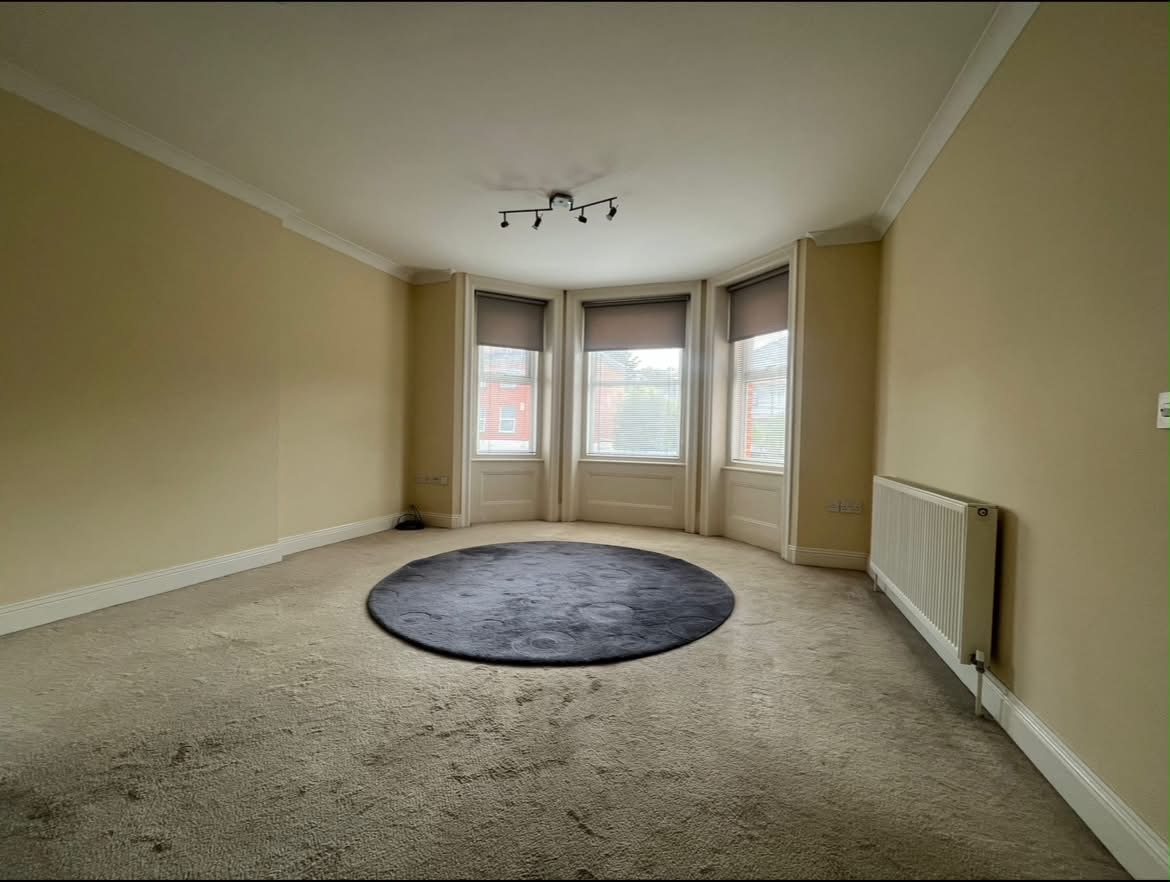
Perspective correction
When you photograph a room from a corner or at a slight upward angle, vertical lines — walls, door frames — converge toward the top of the image. AI can straighten these lines to make rooms look more architectural and less distorted.
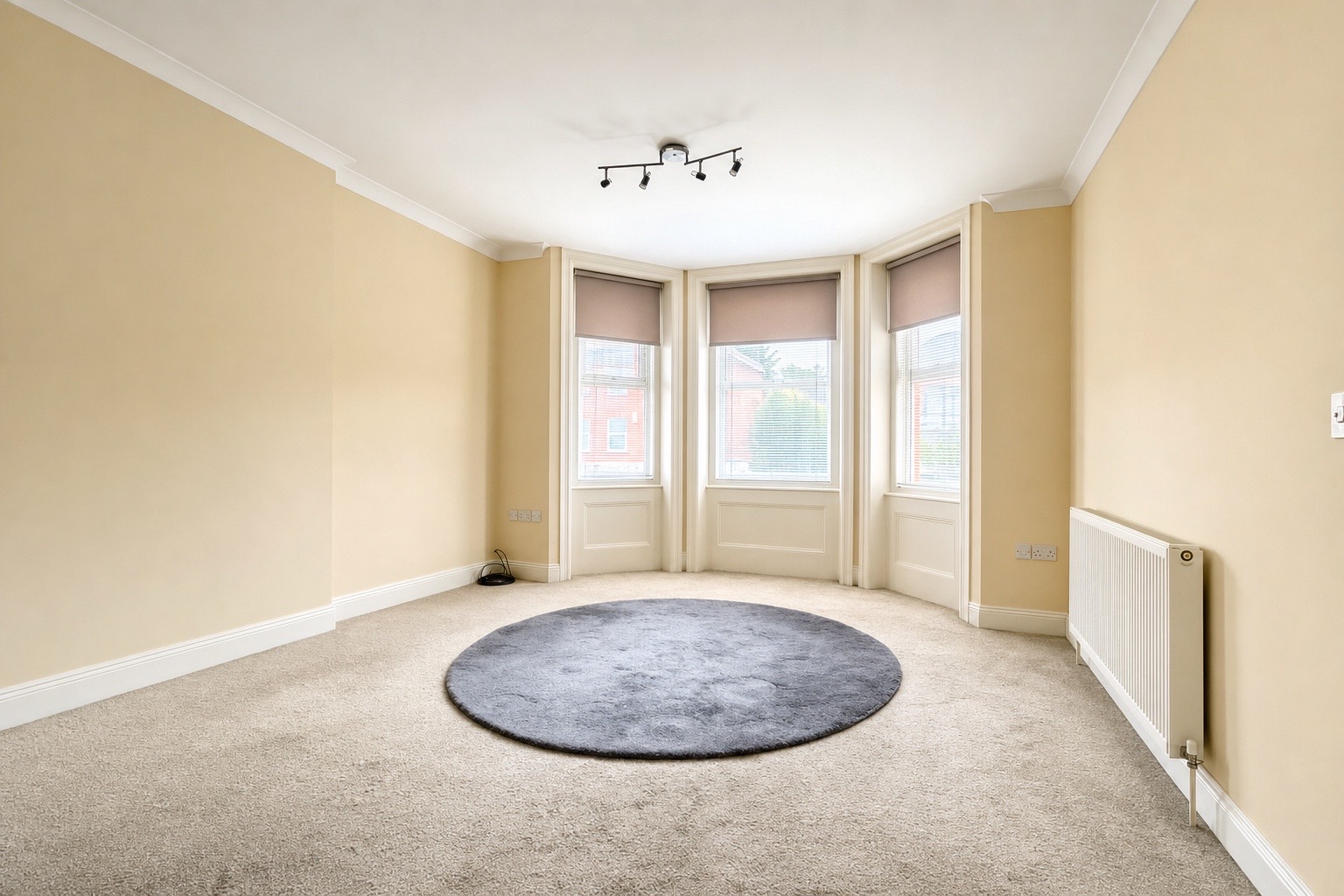
What it doesn't do
Being honest about limitations is important. Here's what AI enhancement cannot reliably do:
Fix severely blurry or out-of-focus photos
AI sharpening tools have improved significantly, but a genuinely blurry photo — camera shake, missed focus — cannot be recovered to professional quality. If a photo is blurry, reshoot it.
Rescue extremely underexposed shots
If a room is photographed in near-darkness, the shadow areas contain very little usable image data. AI can lift the exposure, but lifting detail that isn't there isn't possible — the result will look noisy and unnatural. Get the original shot as bright as possible before enhancement.
Remove or add physical objects
AI enhancement doesn't remove furniture, declutter rooms, or add items that weren't there. That's virtual staging — a separate process. Enhancement improves the quality of what's in the photo; it doesn't change the content.
Make a bad composition good
If a room is photographed from a bad angle — too close, from the wrong position, showing a cluttered corner — enhancement can't fix the composition. Get the angle right before you shoot.
The principle: AI enhancement is a multiplier. It makes a well-shot phone photo look like the room did in person, and a rushed one straighter and brighter but still rushed. It's not a replacement for getting the basics right on the day. The better the original, the better the result.
How long does it take?
With ReShot, each photo typically takes 2–5 minutes to process. A full listing set of 15 photos can be ready in under an hour — running in the background while you're doing other work.
Is it detectable?
The short answer: not if it's done well. Good AI enhancement doesn't look processed or artificial. It looks like the same room on a better day: walls straight, light even, colours as they were when you stood in it. That's the standard we aim for at ReShot. A result that looks obviously AI-generated, with a tropical sky or plastic surfaces, is a failed enhancement, not a style.
Try it yourself with a free first photo → Upload any property image and see the difference in under 5 minutes.
See it for yourself — free first photo
Upload a phone photo from your last valuation and get it back straightened, brightened and colour-corrected in under 5 minutes. No subscription required to start.
Try ReShot free →