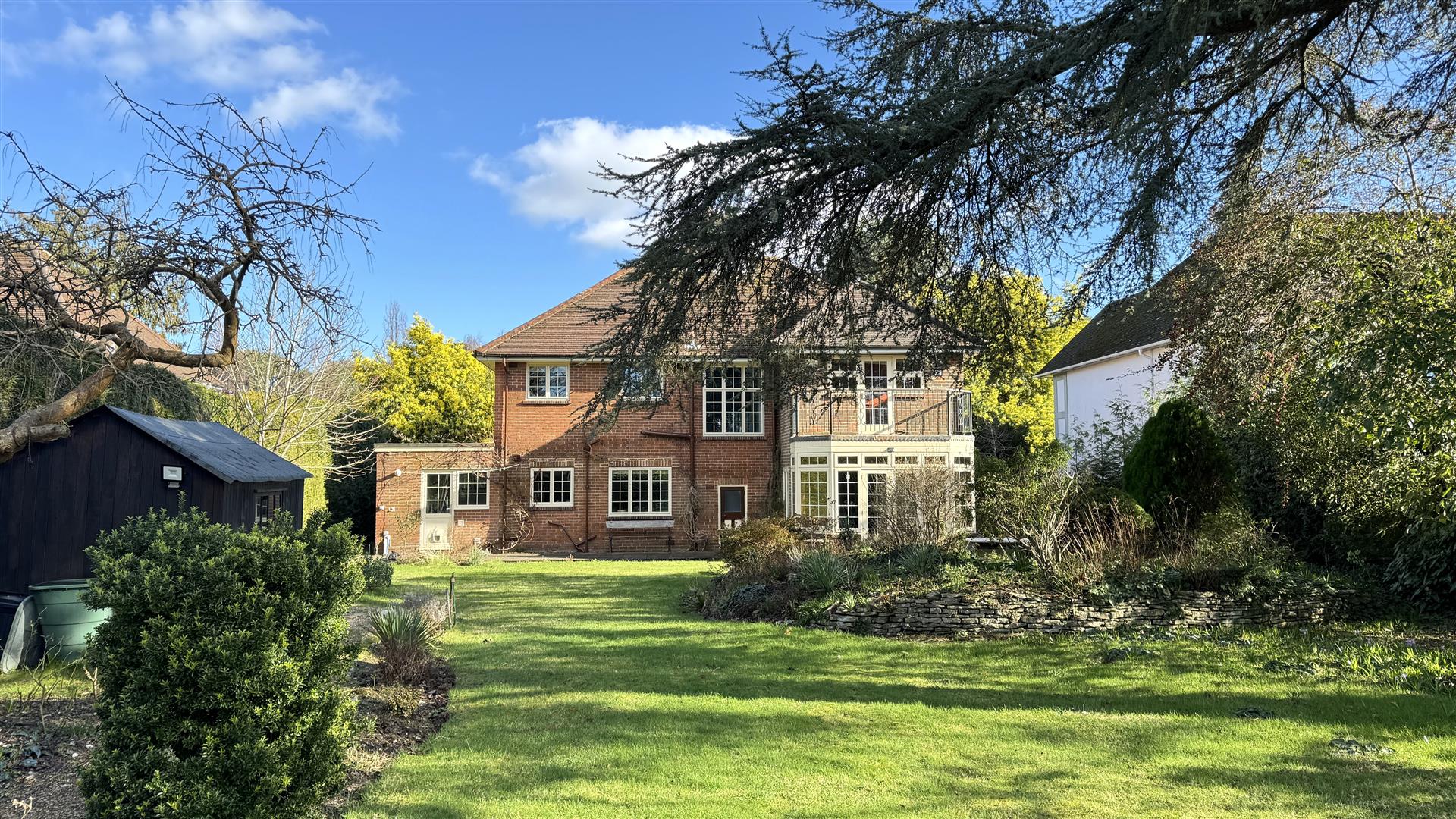
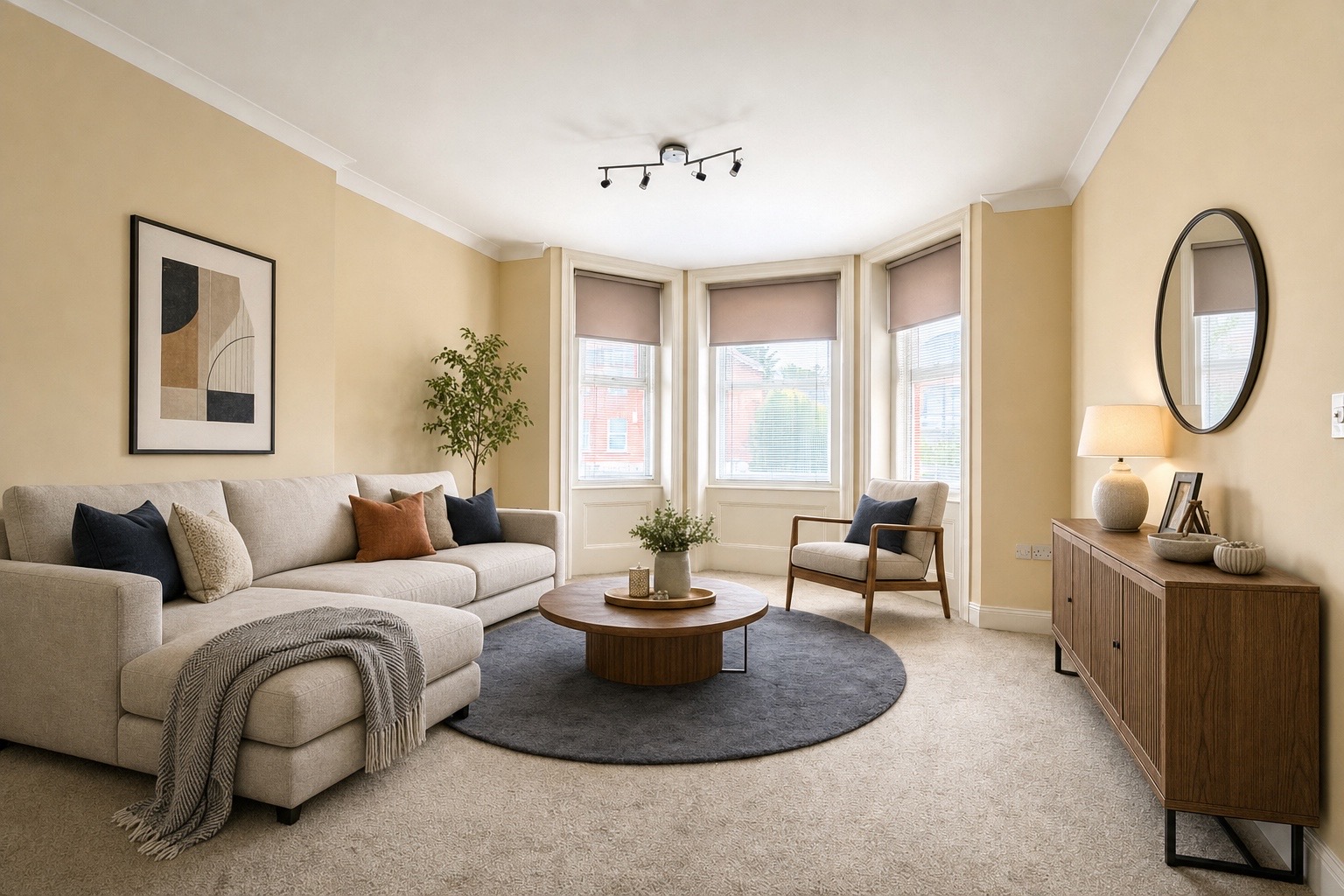
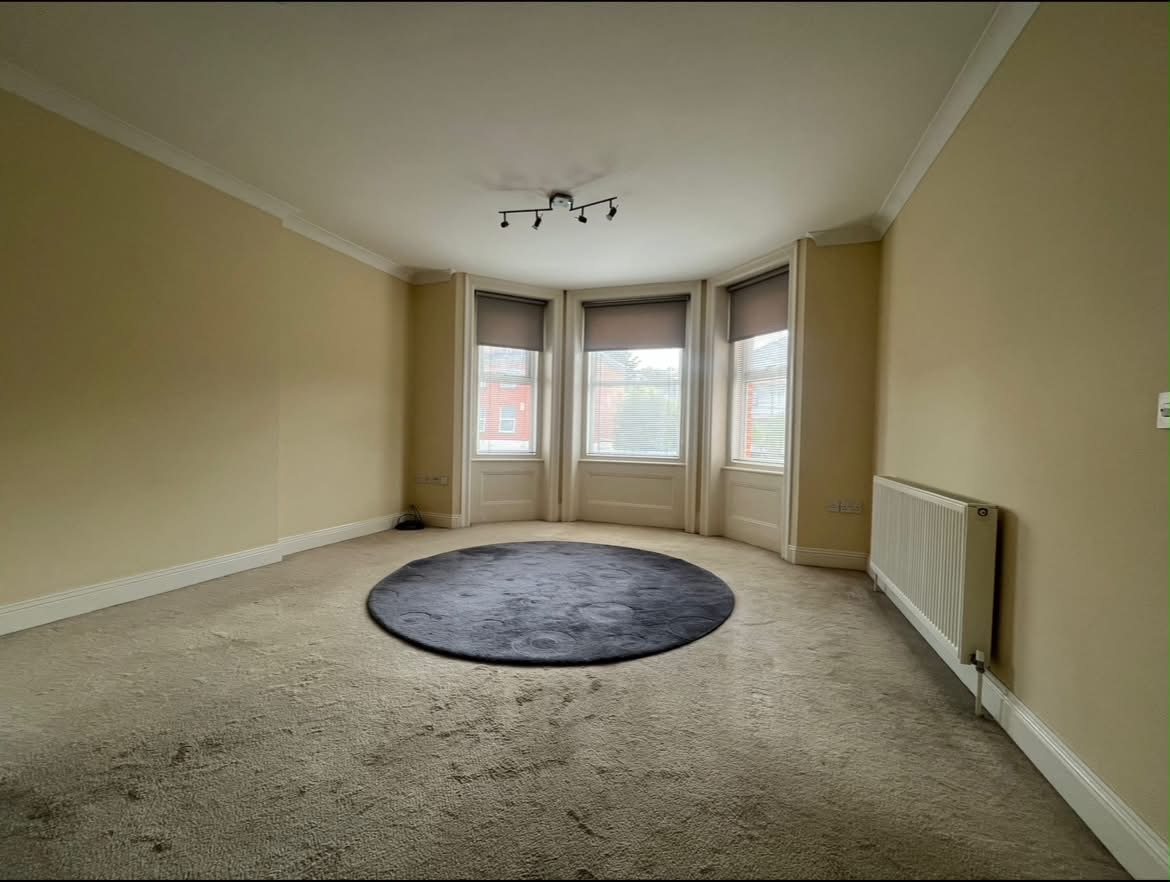
Dark rooms are a photography problem that affects nearly every property. North-facing rooms, basement flats, heavily furnished Victorian semis, period properties with small windows — all of them are harder to photograph than a white-box new build. But all of them can look good with the right approach.
Why dark rooms hurt listings so badly
When buyers see a dark room photo, they don't think "the photographer should have used better technique." They think "that room is dark." The photo creates a perception of the physical space that's often worse than the reality. A room that feels perfectly pleasant in person can look gloomy and uninviting in a photo — and that impression is what influences whether someone books a viewing.
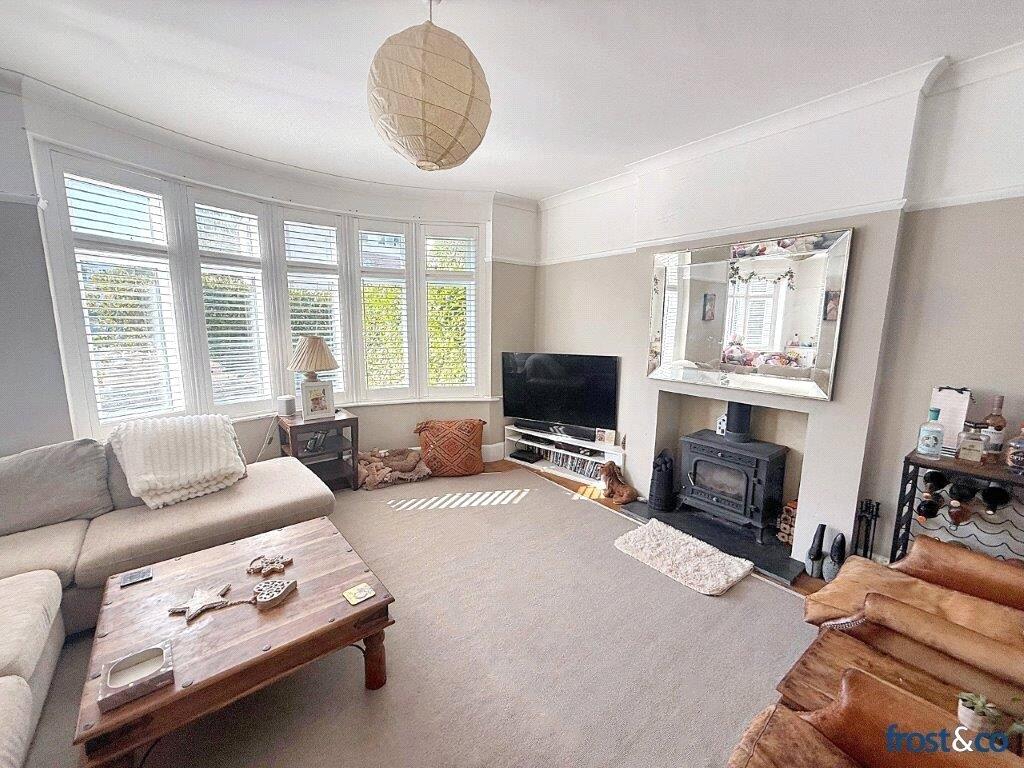
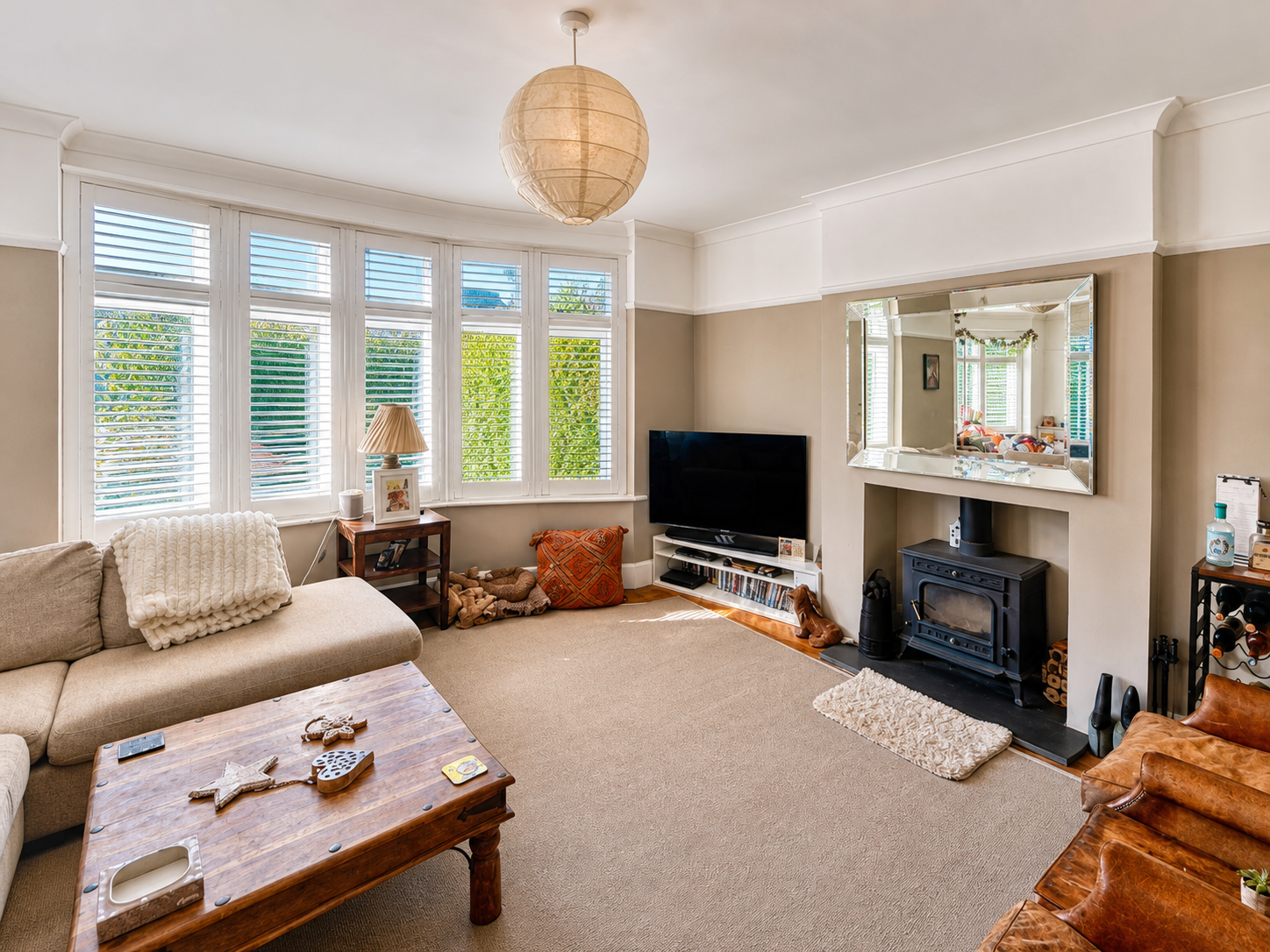
On the day: how to get more light in
Open everything
Blinds, curtains, internal doors, wardrobe doors if they're in frame. Every source of natural light should be fully open. Even a small north-facing window adds meaningful light to a room when it's unobstructed.
Turn on all lights
Overhead ceiling lights, floor lamps, table lamps, kitchen under-cabinet lights — everything. Yes, this sometimes creates a colour cast (warm yellow from incandescent bulbs), but AI enhancement can neutralise that. A room lit by six light sources looks dramatically better than the same room with two.
Use a white sheet or reflector
If you have a particularly dark wall or corner, hold a white piece of card just outside the frame to bounce light into it. This low-tech trick works surprisingly well in practice.
Shoot HDR on your iPhone
iPhone's built-in HDR mode takes multiple exposures and blends them — giving you detail in both the bright windows and the dark room simultaneously. Enable it in Settings → Camera → Auto HDR. The results are mixed but usually better than a standard shot in a difficult room.
When you can't fix it on the day
Sometimes you're shooting in occupied properties where you can't rearrange furniture, or you're working quickly across multiple rooms. The shot isn't perfect, but it's what you have.
AI enhancement handles dark rooms well. The key improvements:
- Exposure correction — lifting shadows while preserving highlight detail in windows
- Colour temperature normalisation — removing the mixed warm/cool cast that comes from multiple light sources
- Local contrast enhancement — making surfaces, textures, and architectural details pop without looking over-processed
- White balance correction — making walls that appear yellow under artificial light look their true white or cream
What AI can't fix: Extreme underexposure where the original photo has no usable data in the shadows. If a room is very dark and very blurry, no enhancement tool will produce a good result. The best practice is always to get the original as bright as possible before shooting — AI takes you the rest of the way.
The bedroom problem
Bedrooms are typically the darkest rooms in a property, especially in Victorian and Edwardian houses with single windows. They're also the rooms buyers care most about after the kitchen. Treat bedrooms as a priority — extra time staging and lighting a bedroom well is time well spent.
For bedrooms, always make the bed properly, remove anything from visible surfaces, and shoot from the doorway or corner to maximise the apparent size.
See it for yourself — free first photo
Upload a phone photo from your last valuation and get it back straightened, brightened and colour-corrected in under 5 minutes. No subscription required to start.
Try ReShot free →